GTA VI Looking Too Dark? The In-Game HDR Setup May Be the Problem
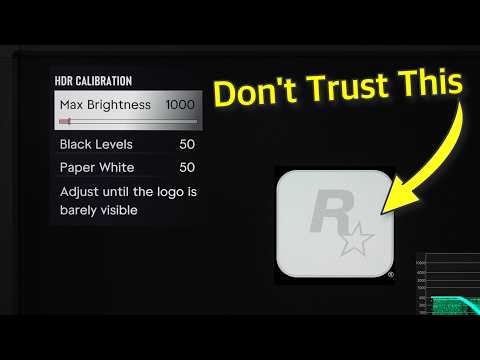
If Vice City looks murky on your TV, it may not be your fault. HDTVTest, the YouTube channel run by TV calibrator Vincent Teoh, measured the game on a Sony reference monitor and found its HDR calibration screen does not behave the way it says, Push Square reports. The game also ignores the PS5's own system-wide HDR settings. His advice is to skip Rockstar's "make the logo barely visible" step and set the values by hand under Options, Settings, Display, HDR Calibration. The right numbers depend on your screen and your room, so watch his video below for the method instead of copying someone else's settings.
Sources